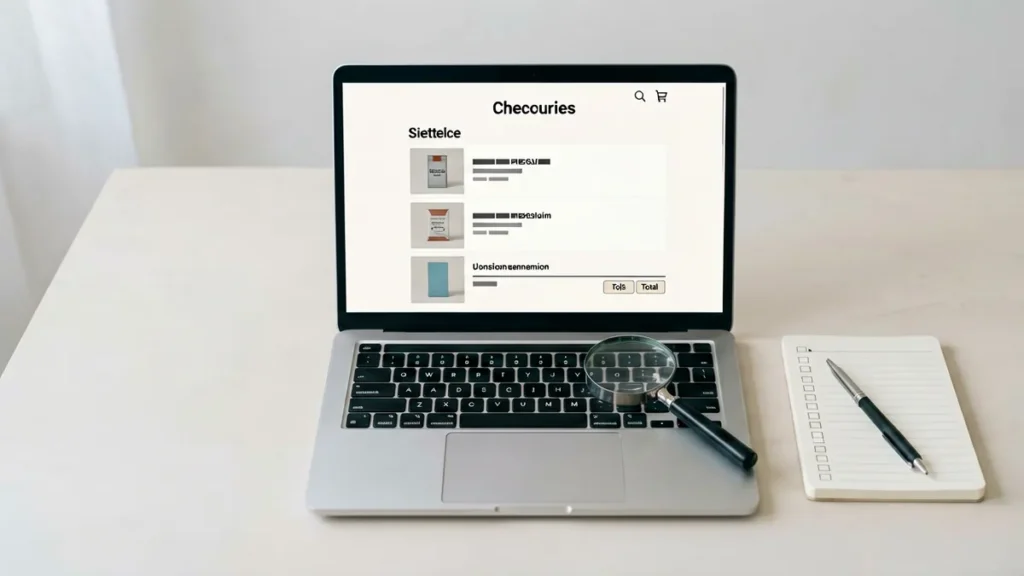
Before you pay for a Rovqila order, review every line in your cart against the live product record. Each cart line should match the exact product title, the SKU, the sale unit 1 Carton (10 Packs), the quantity you selected and the current AUD amount. Rovqila’s Terms and Conditions state that the current product and cart pages are the authoritative record at the time of an order, so your cart is the last place to catch a mismatch before checkout.
What the Rovqila cart shows
The Rovqila cart page lists the carton products you have added before you continue to checkout. For each product you should see:
- Product title — the full catalogue name, for example “Dunhill Blue 6mg Cigarettes – 1 Carton (10 Packs)”.
- SKU — the stock-keeping reference such as SS-386 that identifies that exact record.
- Sale unit — each Rovqila catalogue line is sold as 1 Carton (10 Packs), so the quantity in your cart is a number of cartons, not individual packs.
- Quantity — the number of cartons you added.
- Current amount — the AUD amount shown for that line at the time you view the cart.
How to check each cart line against the product record
Open the live product page from the Rovqila product directory or shop and compare it with the cart line by line. Product records show the full title, the SKU, the sale unit and the current displayed AUD amount; availability is shown with an In stock or Out of stock indicator on the live record.
- If the titles or SKUs differ, you are looking at different records. For example, Dunhill Blue 6mg Cigarettes – 1 Carton (10 Packs) (SS-386) and Manchester Double Drive Blueberry Mint Cigarettes – 1 Carton (10 Packs) (SS-1779) are separate records with separate SKUs.
- If a cart line does not match, remove that line and add the product again from the live product page so the cart reflects the current record.
To read the fields on a product record, see What Does SKU Mean in the Rovqila Catalogue?, How to Read AUD Price Fields in the Rovqila Catalogue, What Does 1 Carton (10 Packs) Mean in the Rovqila Catalogue? and What Does “In Stock” Mean in the Rovqila Catalogue?.
What the cart does not show
The cart shows your product lines and their amounts, not the final payable total. Delivery costs and the payment step are completed at checkout, and delivery is restricted to eligible Australian addresses under the Shipping Policy. Adding an item to your cart does not guarantee order acceptance: every order is reviewed and may be declined or cancelled when age, location, availability, pricing, security or legal requirements cannot be satisfied. See What Happens After You Submit a Rovqila Order? for what happens after checkout.
Before you pay
- Confirm your delivery address is complete and eligible for Australian delivery, with the recipient at least 18 years old. How to Check Australian Delivery Details Before a Rovqila Order walks through this step.
- Confirm you are at least 18 years old and located at an eligible Australian delivery address, as set out in the Terms and Conditions.
- Keep your order record after checkout: the order number and the SKUs you ordered are what you need if you later contact support through the Rovqila contact form.
Frequently asked questions
Does the cart show the final delivery cost?
No. The cart shows your product lines and their amounts. Delivery costs are completed at checkout, and delivery is restricted to eligible Australian addresses. Check the Shipping Policy for the current delivery terms.
What should I do if a cart line does not match the product record?
Remove the line and add the product again from the live product page so the cart reflects the current record. If it still does not match, use the Rovqila contact form with the product name and SKU; do not include card details or identity documents in the message.
Next step: review each cart line, then continue to checkout with an eligible Australian delivery address and confirm you are 18 or older before you pay.