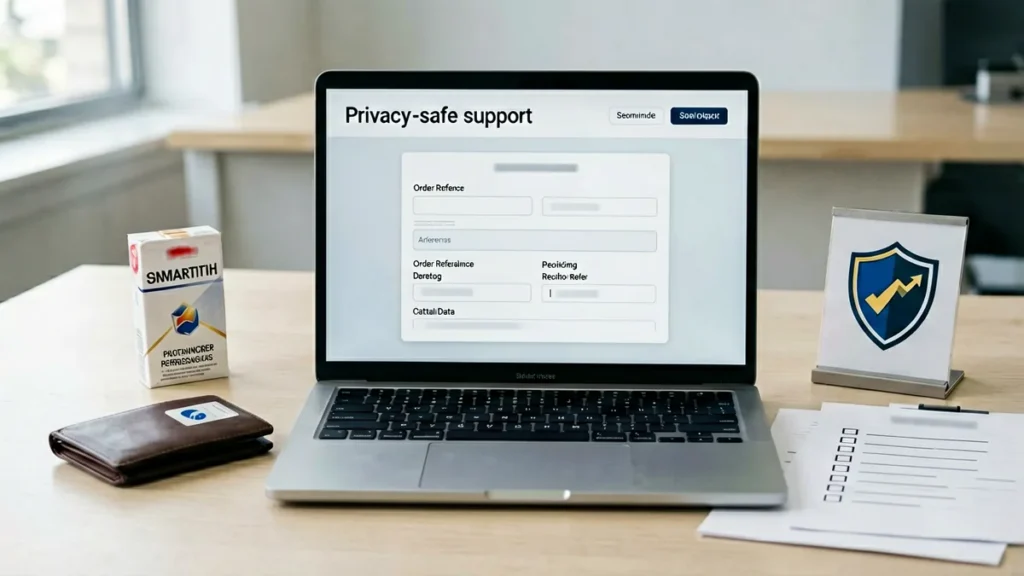
Use Rovqila’s private contact page for an order or catalogue question, and include only the details needed to identify the record and explain the issue. Do not put card details, identity documents or unrelated sensitive information into a general support message.
This guide is for Australian adults aged 18 and over. Tobacco and nicotine use is harmful and addictive. It explains how to minimise personal information in an existing support enquiry; it does not change eligibility, order, delivery or return requirements.
Start with the minimum useful record
For a product question, give the complete catalogue title or SKU and the exact page involved. For an order-specific issue, include the order number only when it is relevant. Rovqila’s contact page asks customers to state the specific page or order issue and expressly says not to submit card details, identity documents or unrelated personal history.
Keep the description short and factual. Explain what needs checking instead of adding background information that does not help identify the product, order or support problem.
Leave payment details out of general messages
Do not type a full payment-card number, security code or other payment credentials into the general contact form. Rovqila’s Privacy Policy says contact, delivery and order information, product or SKU references and enquiry contents may be received to operate the catalogue and respond to requests. That is a reason to send only what the enquiry actually requires.
If a request appears to require sensitive information that the contact page tells you not to provide, stop and ask through the official contact channel what non-sensitive reference is acceptable. Do not publish the information in a comment or public channel.
Match the detail to the problem
Catalogue record question
Provide the full product title or SKU and the final product URL. Avoid relying on package appearance or a shortened name when a text record can identify the item.
Delivery question
Follow the Shipping Policy. For delayed tracking or an apparently damaged parcel, it directs customers to use the contact form with the order number and delivery postcode. It also says not to publish personal delivery information in a blog comment or public channel.
Return or incorrect-item question
Follow the Returns and Refunds page. It lists the order number, exact product name or SKU, a concise description and clear photographs when damage or an incorrect item is involved. Keep the item and packaging, and do not send anything back before receiving instructions and the correct return destination.
Check the authoritative record before sending
Reopen the relevant product and cart pages before writing. Rovqila’s Terms and Conditions identifies those live pages as the authoritative record at the time of an order because product names, SKUs, images, prices, stock indicators and availability may change.
Use the live title and SKU in the message. Do not include a fixed price or stock statement copied earlier unless it is directly relevant and clearly tied to the order record being discussed.
A privacy-safe support checklist
- Use the official private contact page.
- Name the exact product or page involved.
- Add the SKU or order number only when relevant.
- Describe the issue concisely.
- Include a delivery postcode or issue photograph only when the applicable policy calls for it.
- Exclude card details, identity documents and unrelated personal information.
- Keep order, address and tracking details out of public comments and channels.
Before you submit
Read the message once more and remove any detail that does not help Rovqila identify the record or answer the question. Then send the enquiry through the official contact page.